

Website Caching Saves Time & Money
Website caching is like creating an anti-middleman. A middleman who saves you money and saves your visitors time (which encourages them to potentially spend their money with you).
Sounds like some mythical beast, right? Well, for web development and hosting, this unicorn is real.
When you save Google money, they like you more and put you at the top!

Caching your site makes it load substantially faster, which search engines love because it saves them money. When you save search engines money, they like to put you at the top. When you make your site faster, so the indexing robot doesn't have to wait so long, it saves time for search engines, and time is money. It may seem like just minuscule amount of money, but when you multiply this by literally billions of searches a day that Google has to do to keep track of everything on the web, it adds up to a whole lot of money.
Here's the quick and entertaining video explanation followed by the text explanation below.
There's also resource scarcity, even if you don't see it.
The theory behind the mechanics is simple: Imagine you own a brick-and-mortar store with limited floor space and only one cash register. You're selling cool stuff, but there's not a lot of room for people to come inside and look around because space fills up so fast. If you have a lot of people just looking around, then nobody else can get in - not even customers who know what they want and are ready to make a purchase.
And that’s where you begin to lose money because they might decide to buy a competing product or the same product at a competing merchant’s location.
Because, let's face it, you've felt that frustration. You've gone to a website to make a purchase and it's completely bogged down, it won't even respond. When it finally does, you get two clicks in and have to start over.
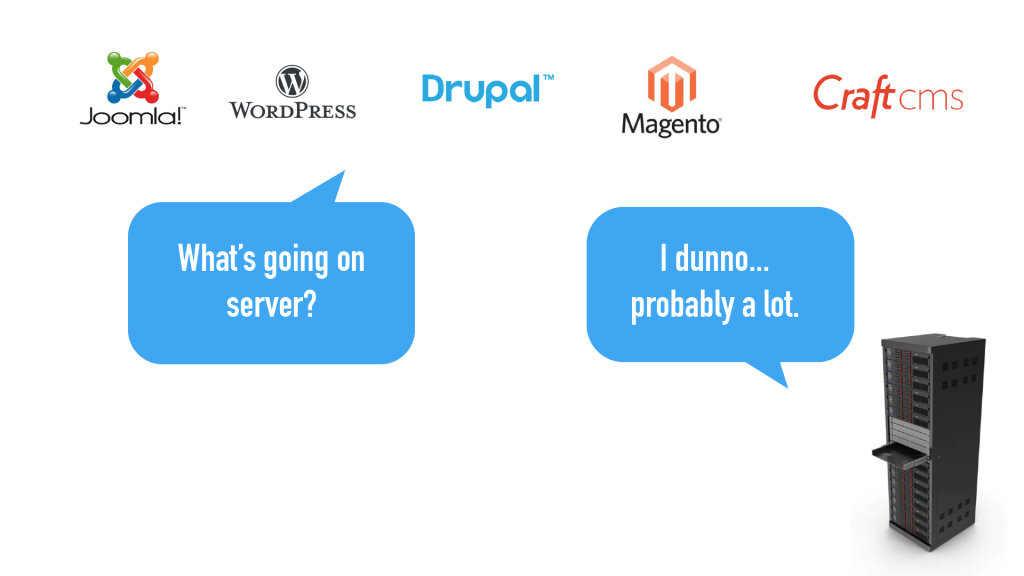
That's frustrating, and you probably didn't buy the thing. But it's even more frustrating to the seller because they had someone who was ready to give them money for the thing they were selling and the person walked away because of technical issues.
Server's only have a certain amount of resources
When you land on a website you're asking the server to give you information. This requires the server to run a bunch of programming that takes time and energy. Every time the server loads a website that's not at all cached, it has to basically rebuild itself. The server is happy to do it, but it only has so much capacity and adding more takes time and money. So the concept of website caching was created.
Instead of the server running all of code and rebuilding the website, the system creates a set of files that just displays data and doesn't have to rebuild anything. For one person visiting one webpage, this is a small amount of time and energy, but multiple that times thousands or millions and you're looking at lots of time and money being saved.
When you cache your website, you essentially place copies of pictures, articles, even whole pages, in a file in front of your website. The users who visit the site can quickly get access to cached copies of the site and browse away.
The Analogy
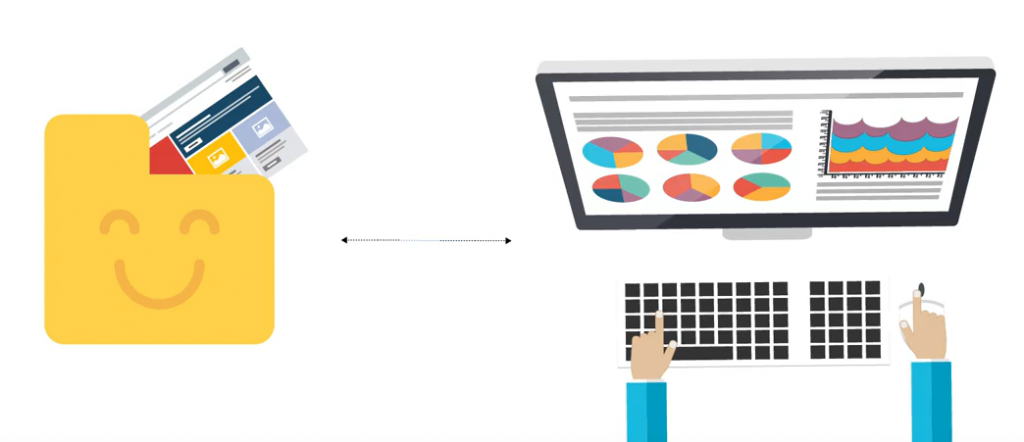
In our analogy, you’ve stuck a worker on the sidewalk with flyers that go over the store’s inventory and maybe provided some sample models to show off. Customers browse with these flyers on the sidewalk or at the cafe across the street, and your floor space and cashier are reserved for customers who are ready to walk in and finalize a transaction, which they rate as a great experience since it was SO EASY.

That worker on the sidewalk is your web cache folder, or, as we established earlier, the magical unicorn empowering your site to pull multiple times its weight.
Or, as we like to say...
Disclaimer
Finally, it's important to note that there is a bit more to this. Because nothing is ever quite this simple - especially when technology is involved. But if you have a good web developer, they should be able to break it down for you so that you can forego the pain meds.
If you've ever been asked to "Clear Your Cache" and want to know how to do this without losing all your data, be sure to check out the second half of our step-by-step video on How to Clear Your Cache in Google Chrome.
If you'd like to look more into the nitty-gritty yourself, then here's a nice link to start you off.
Thanks for reading! Feel free to start or join a conversation in the comments below.